
Prep Slate
Features
What Prep Slate does, exactly.
The longer version. Six capabilities, what each one actually does, and where each one stops.
Cook mode
Built for wet hands and one thing at a time.
Step and ingredients on one screen. Your ingredients sit beside the step itself, tap to cross them off as you go. Every timer in the recipe is one tap away: bring to a simmer for ten minutes becomes a chip with 10:00 on it, and it keeps counting when the screen locks.
Advance a step and the ingredient it calls for comes to the top of the list and lights up. A twenty-line ingredient list stops being something you scroll through with a knife in your hand.
“Scaling that does not insult you. ”
Half a teaspoon becomes a quarter, not 0.5. Six eggs becomes nine, not 8.5. Adjust servings and the quantities come out the way a cook would write them down. A quiet timer runs from the first step, so you know how long dinner actually took.
Hands-free, on iPhone.
Tap the microphone once and cook mode starts listening. It acts on what follows its name and on nothing before it, which is the whole of the design: a kitchen is a talkative room, and an assistant that acts on any sentence it happens to catch is worse than no assistant at all.
Four commands, because four is what a cook needs with both hands busy: forward, back, a timer on the step you are on, and quiet when it goes off. Speech is recognized on the phone itself wherever iOS supports it. Turn it on once and your next cook starts listening too.
Where it stopsVoice is in the iPhone app only, not the web app, and it listens in English for those four commands. It needs microphone and speech-recognition permission, pauses when you leave the app, and picks up again when you come back.
Listening
iPhone app
- “Hey Prep, next”
- Step 4 of 9
- “Hey Prep, go back”
- Step 3 of 9
- “Hey Prep, ten minute timer”
- 10:00, counting
- “Hey Prep, stop the timer”
- Timer off
Nothing happens until it hears its name, so the rest of the kitchen can carry on talking.
Library
A library that still works at the 200th recipe.
Saving is easy.
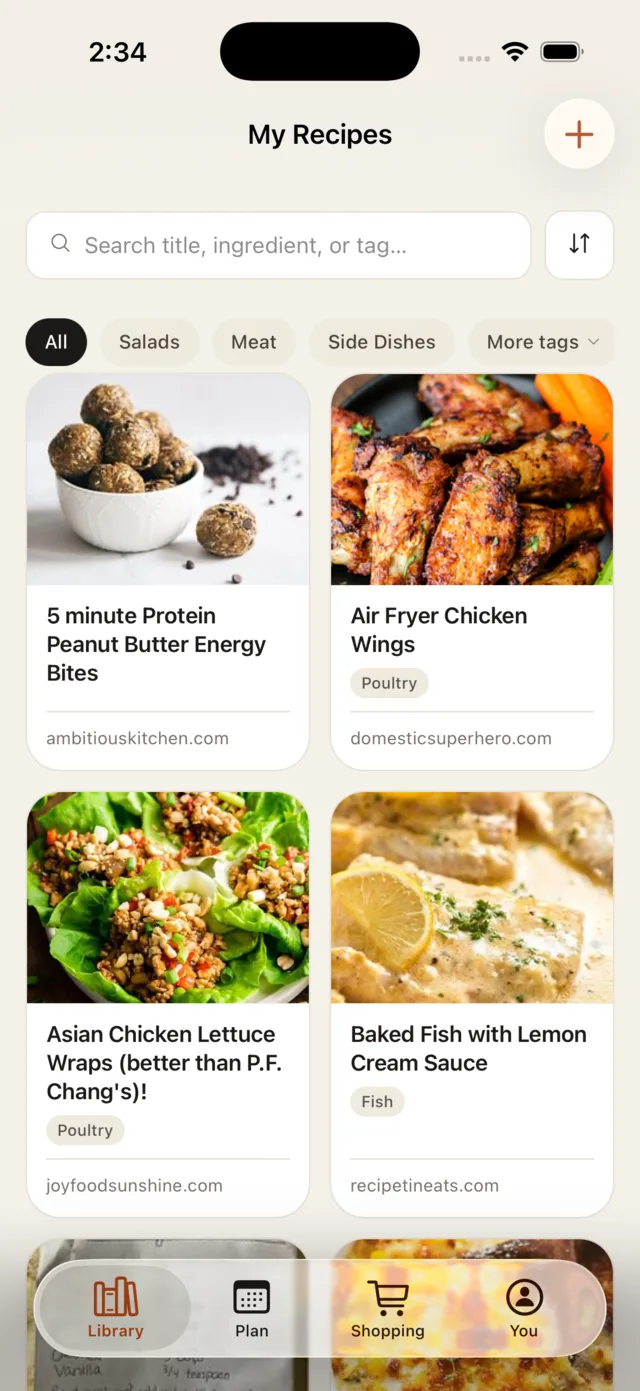
Import a recipe and tags apply themselves, based on ingredients and technique. Search reaches ingredients, tags, and notes, not just title text: type anchovy and you find the Caesar. Stack tags to narrow two hundred recipes down to four.
Where it stopsTagging happens at import and reads the imported ingredients and steps, so a sparse import gets fewer automatic tags. Add your own in a tap.
Import
A URL, a photo, or your whole old app.
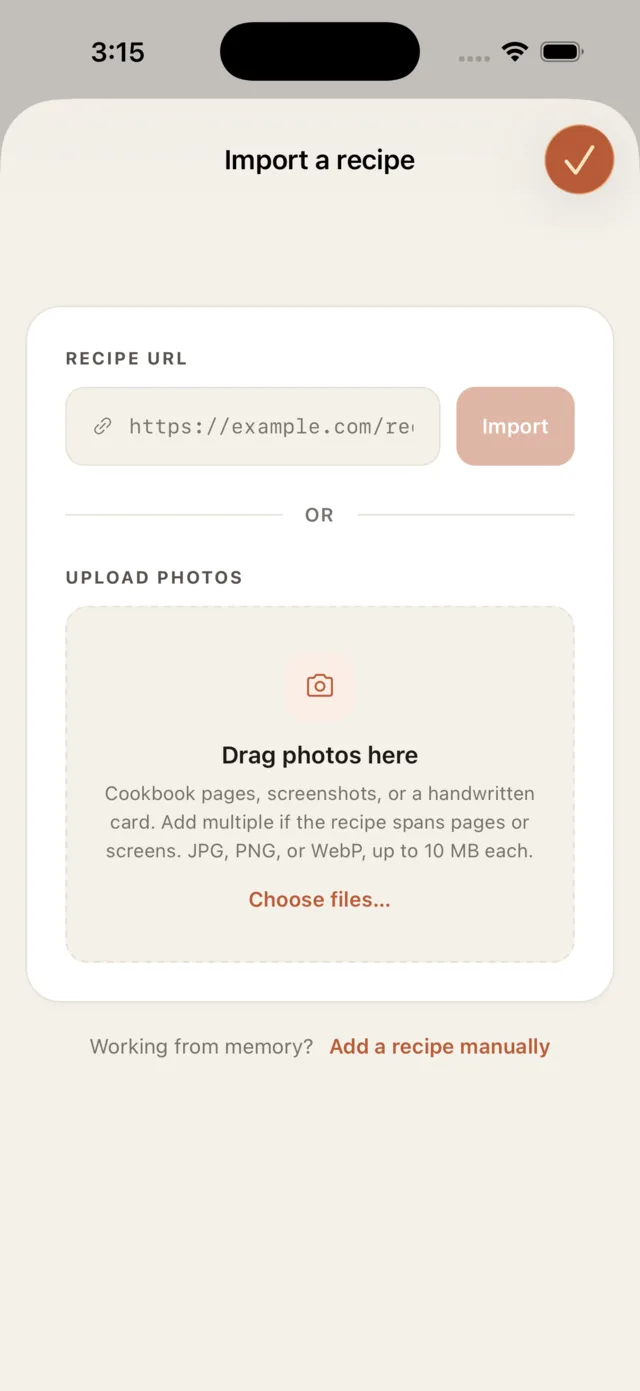
Paste any recipe URL and the photo, prep and cook times, yield, ingredients, and steps come in as real fields, not a screenshot you have to retype. It reads the recipe data most cooking sites already publish.
Everything lands as real, editable fields. Fix the wrong serving count, drop the affiliate-link sentence, add your own note. If a site is not readable this way, snap a photo of the page instead, or fall back to a clean manual form.
Switching from another app? Bring the whole library in one move. Export your recipes from Paprika, Mela, or Plan to Eat and Prep Slate imports the entire file at once, so day one is a full shelf, not an empty one.
Plan
The plan knows when to start.
Drop a recipe onto Thursday and the plan does the math you usually do in your head, the week walked backward from the moment you sit down. Move a dinner from Wednesday to Friday and the prep timing reshuffles itself.
- 4:45Pre-prep Defrost, soak, or marinate anything that needs a head start.
- 5:05Prep everything else Chop, measure, line up your mise en place.
- 5:15On the stove Heat the pan, start the braise, set the timers.
- 5:30Sit down to eat Everything finishes at the same time. On purpose.
Where it stopsThe timing leans on the times in the recipe. A recipe that never says how long the dough rests gets a plain start time, not a backward-planned one.
Shop
The shopping list adds itself up.
Every ingredient on the week, totaled and combined, deduplicated by the unit, not the word. Two recipes that both want a yellow onion become one line. Bought items stay in a checked-off pile until you clear them, and pantry staples you already have are easy to skip.
Every line remembers where it came from. Tap one and it opens the recipes that put it there, each with its own share, so you always know why the onions are on the list and can drop a dish's share in a tap. And the whole list sorts into aisles — produce, dairy, meat, pantry — in the order you actually walk the store, so you are not doubling back for the thing you missed.
Where it stopsTotals only add up when units agree. A cup here and a splash there share a line, but the list will not guess at a combined amount you would not trust.
AI assistant
Use it from the assistant you already talk to.
Add Prep Slate to Claude, ChatGPT, Perplexity, or anything else that takes a connector — one address pasted into your assistant’s connector settings — and your assistant can reach your library directly. Ask it to plan dinners around the nights you are actually home and it can see both halves of that sentence: the week in your calendar, and the recipes in your kitchen.
It can search what you saved by ingredient, put a recipe on a day, move it when plans change, and roll the week onto your shopping list. Everything runs through the same code the app itself uses, so what your assistant plans is the same meal you see on your phone a second later, not a copy that drifts.
“We did not build a chatbot. We handed the keys to yours. ”
A chat box inside a recipe app would start every conversation knowing nothing about you. The assistant you already chose starts knowing your week, and you are already paying for it.
Where it stopsIt reaches your recipes, plan, tags, and list, never your account, password, or billing, and it cannot run cook mode: that is a phone-on-the-counter job. The one-tap listings in each assistant's directory are not live yet, so this is early.
Ready to try it?